


 Listing to Design
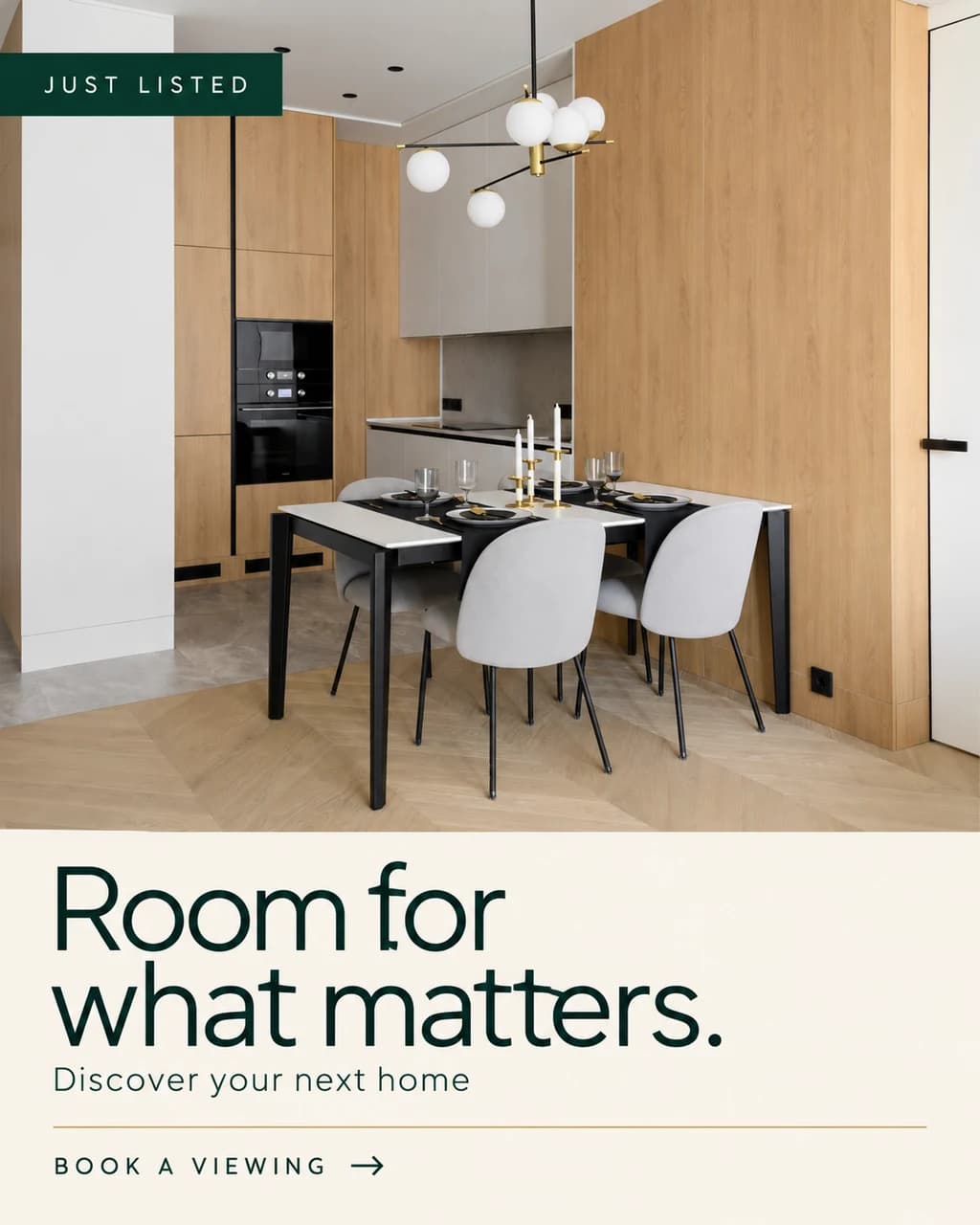
A listing worth a second look.
Your photos, your message, your visual direction. Generate finished ad artwork, then refine it with AI until it feels right.
Property visualisation. Property marketing.
Stage a room. Explore a design. Market a listing. Turn property photos and plans into beautiful visuals, listing designs and reels—all in one place.
Explore the studio first · An image preview is included
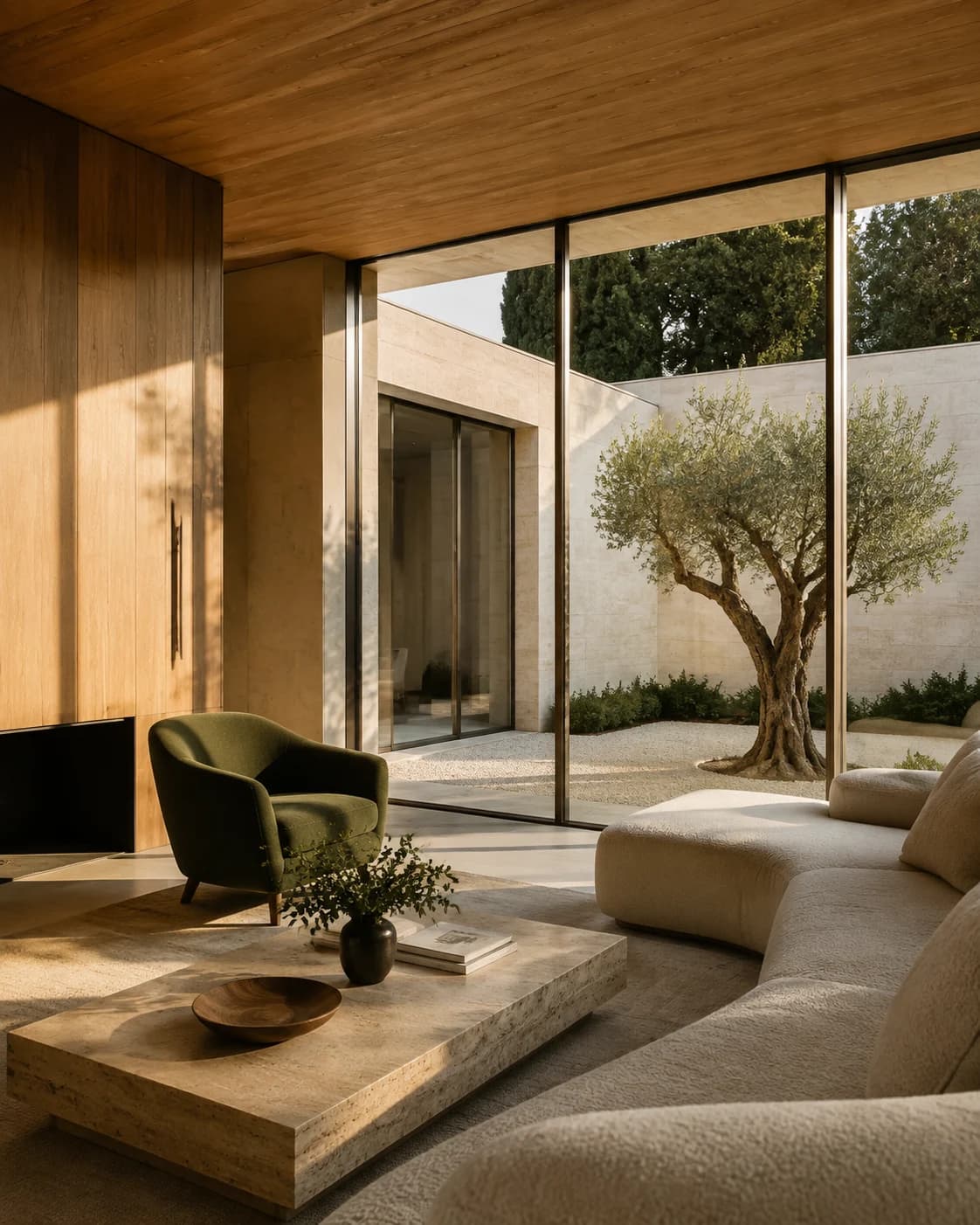
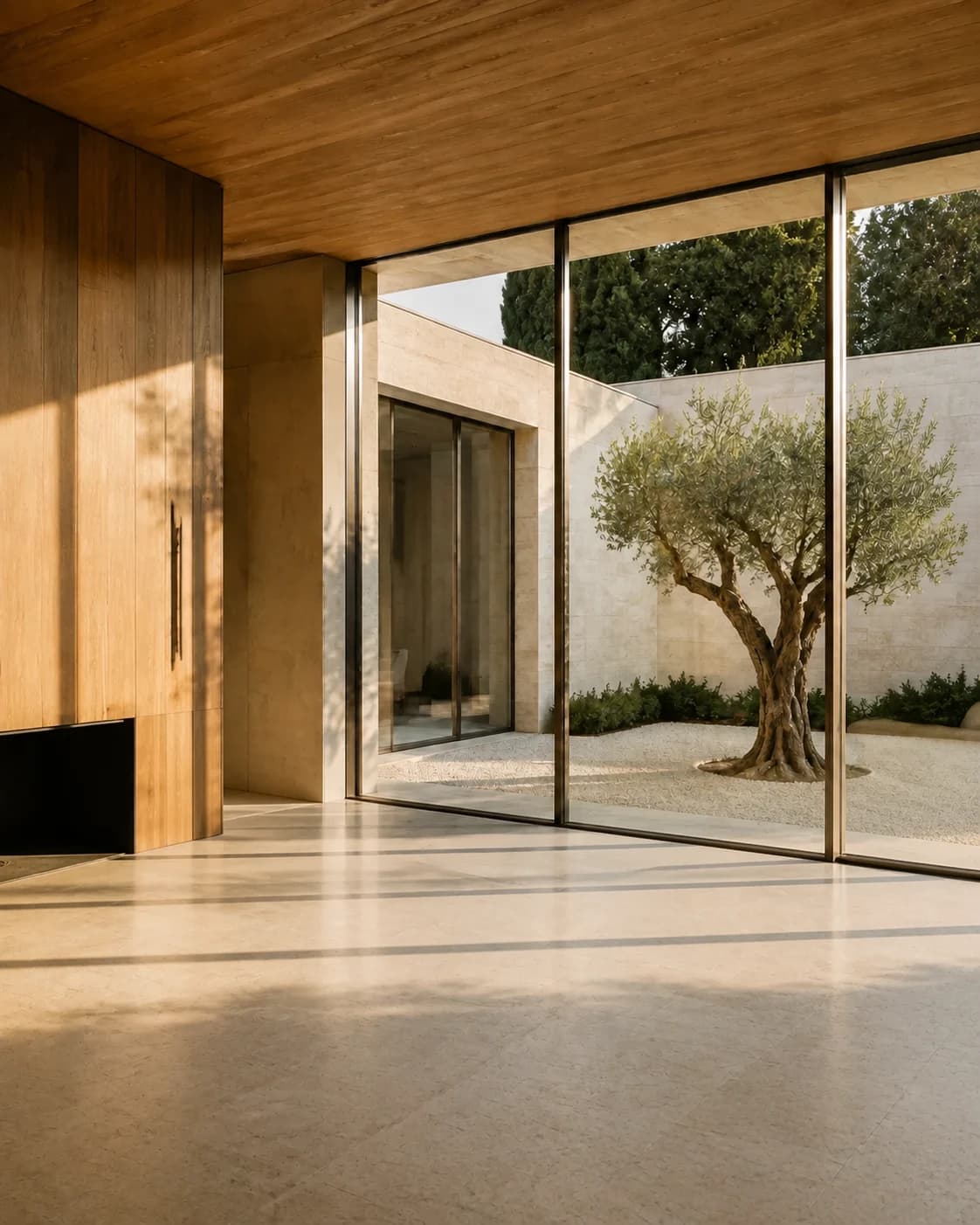
 Virtual staging & interior design
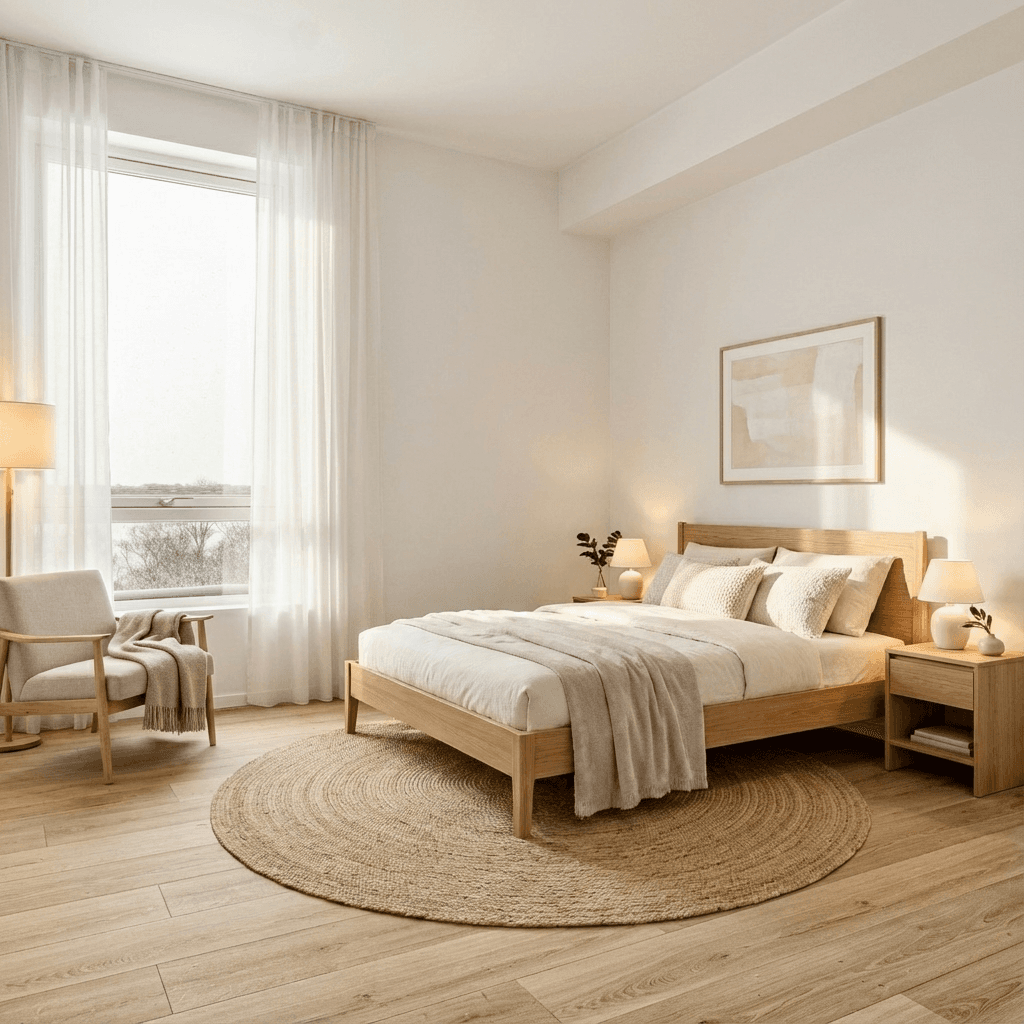
Help buyers picture a home, or help clients explore a new direction. Stage a listing without redesigning the property. Use Interior Design when you want to explore styles, palettes and finishes.
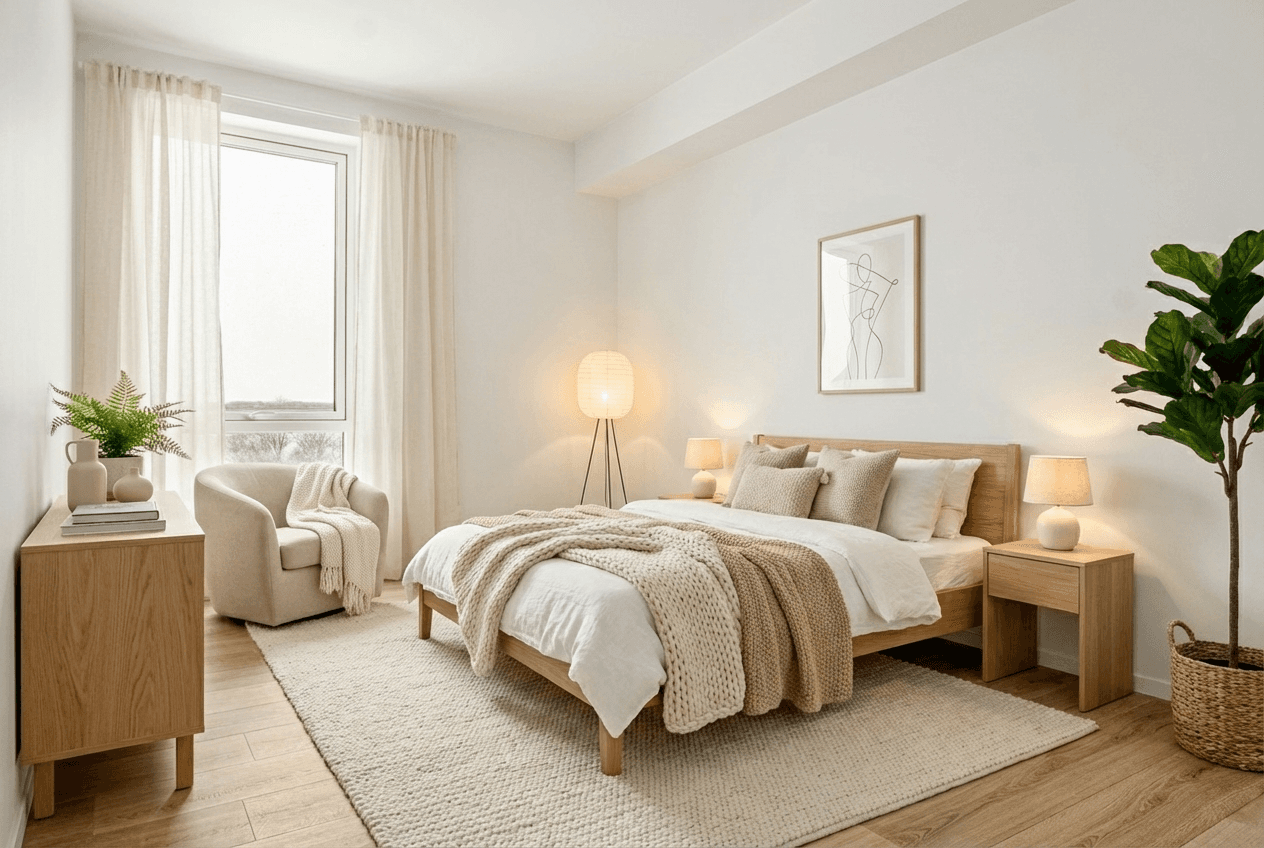
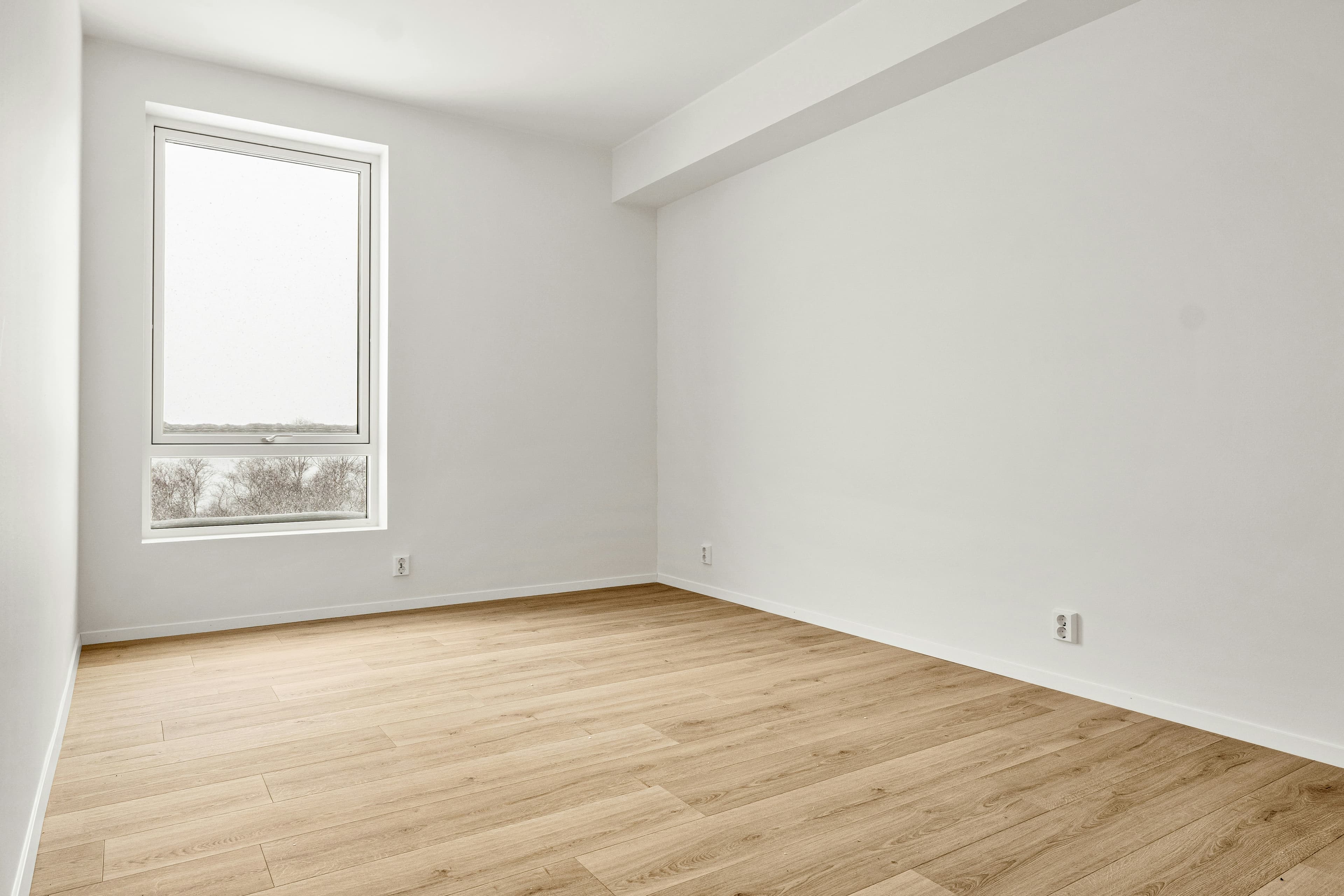
Drag to compare before & after
From property to possibility to post
Start with a listing link or your own photos. Create AI-designed artwork and short reels for your next listing launch, open house or social campaign.
Listing to Design
Your photos, your message, your visual direction. Generate finished ad artwork, then refine it with AI until it feels right.
 Listing to Reel
Turn listing photos into moving clips. Choose the order, edit the social caption and assemble a reel ready for your channels.
Review the details. Download your favourites. Publish through your usual channels.
 Social Scheduling Coming soon
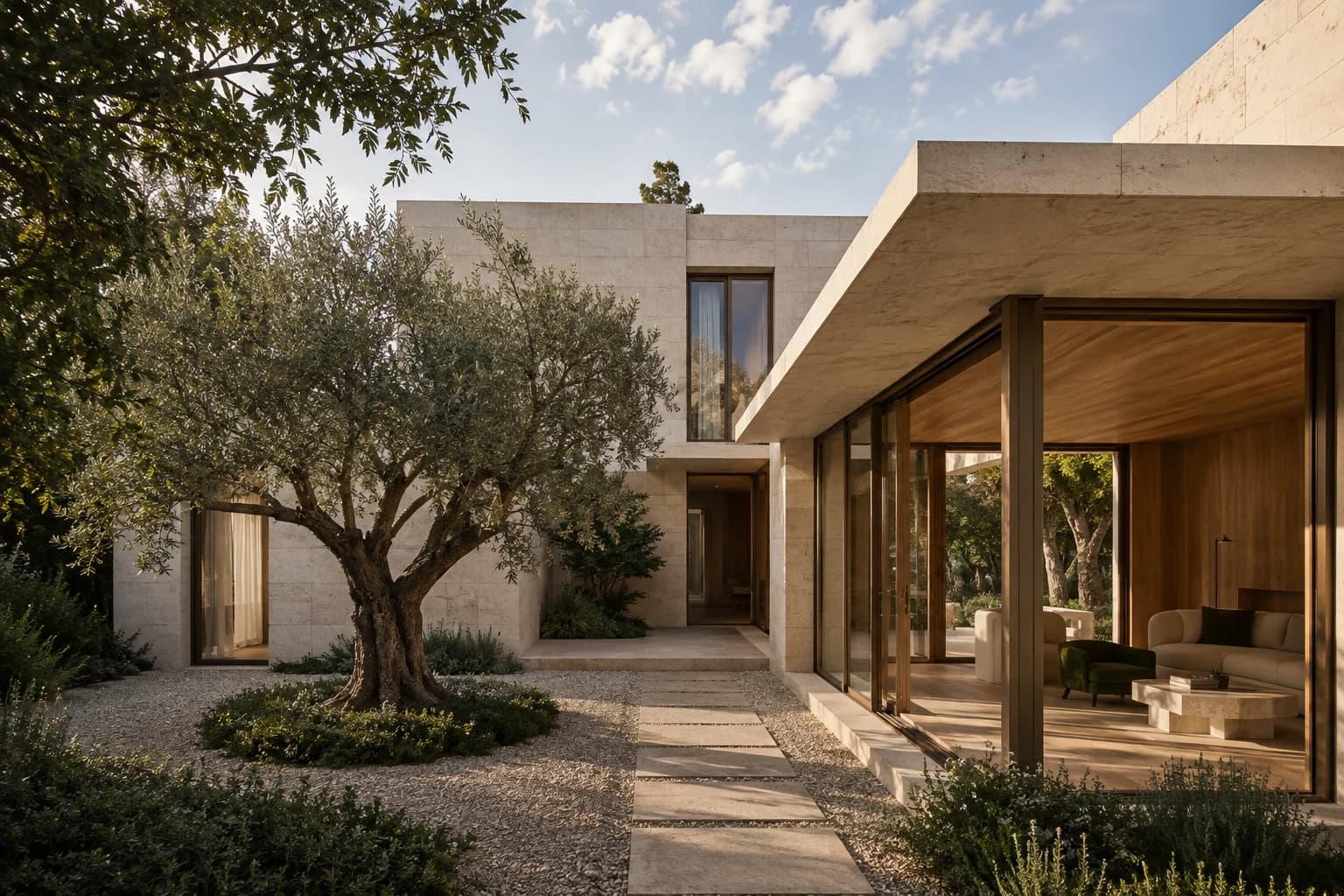
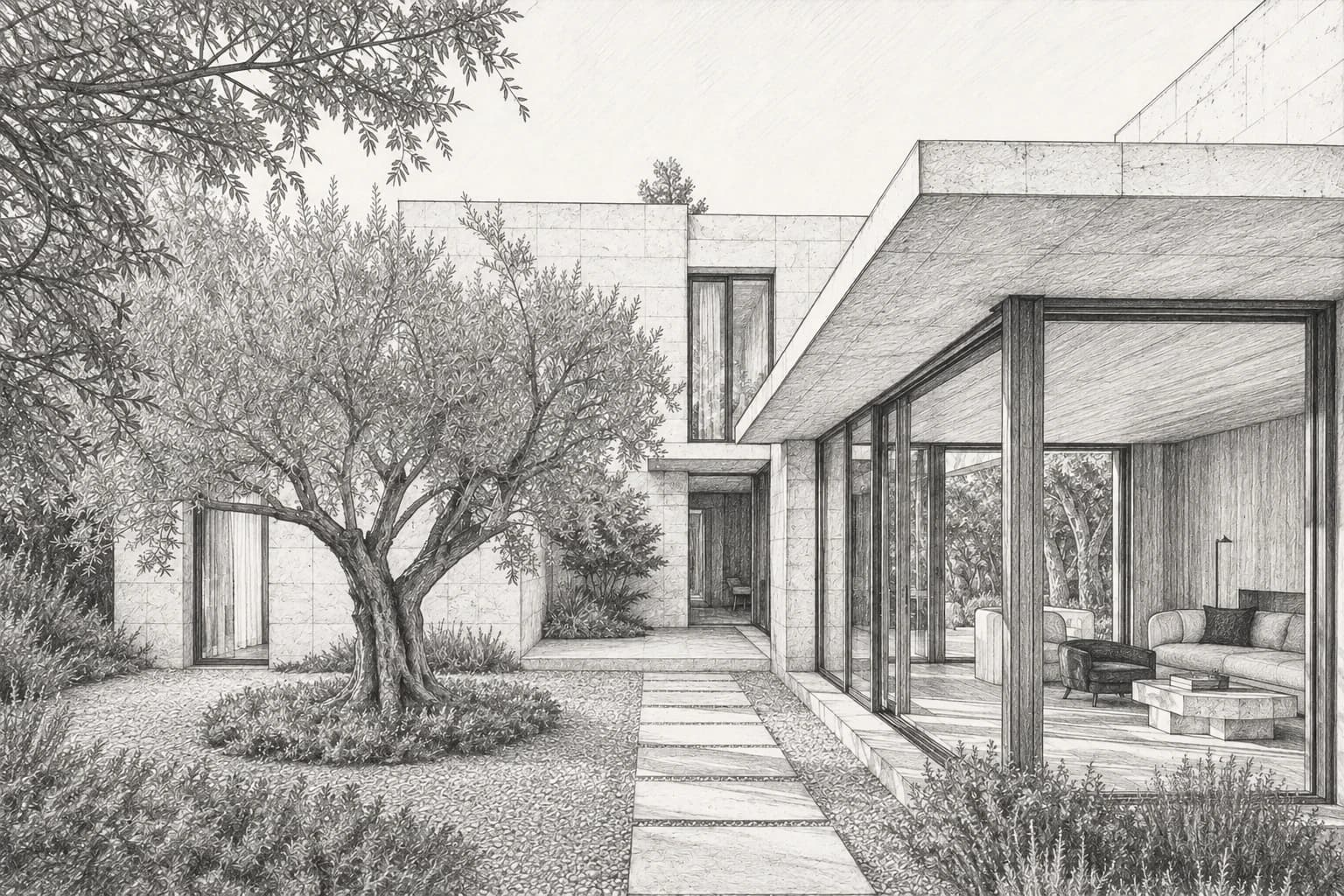
 Architectural rendering
Start with the model or sketch you already have. Explore materials, light and landscape, then bring the idea into your next design conversation.
Explore architectural rendering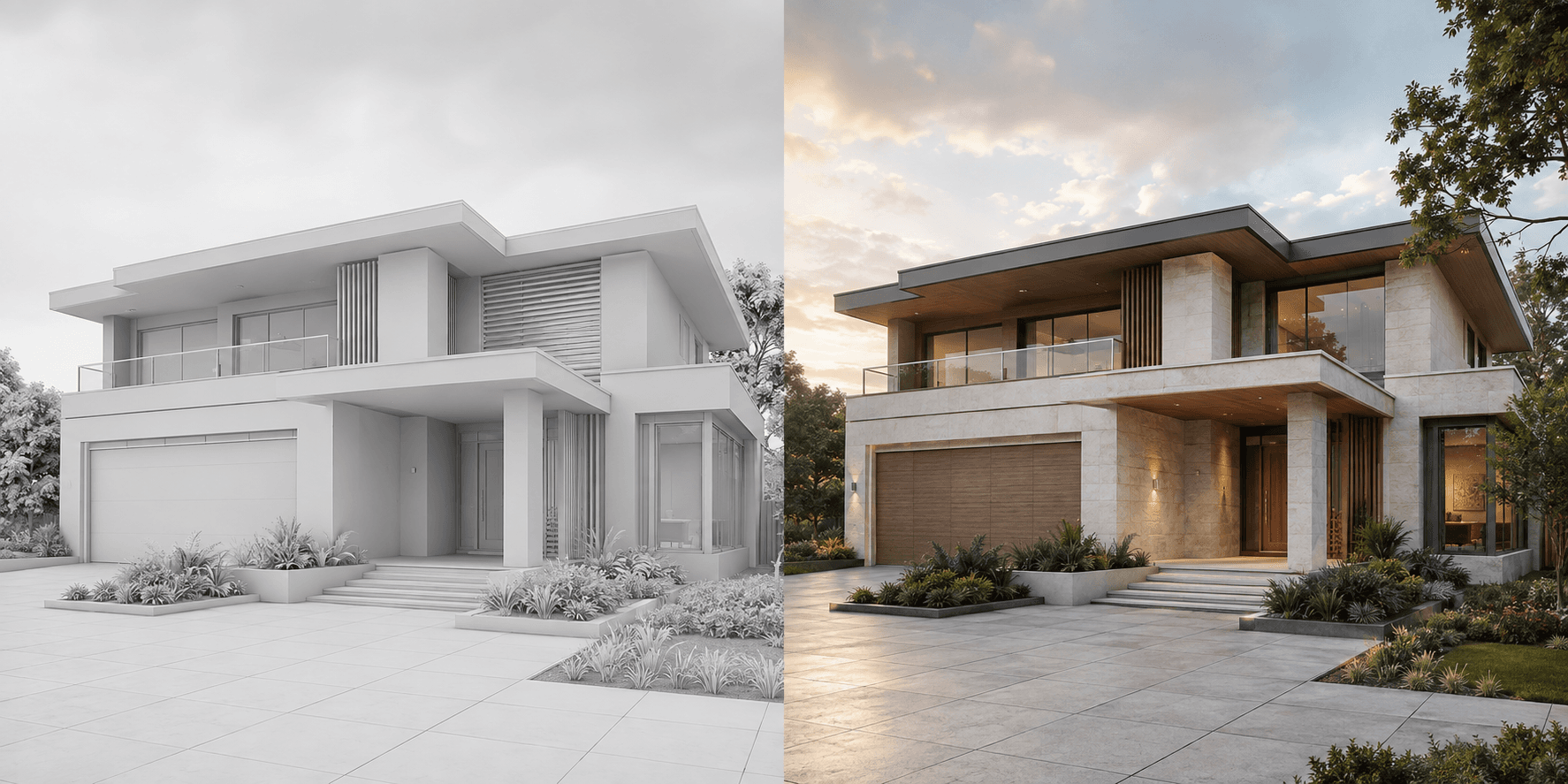
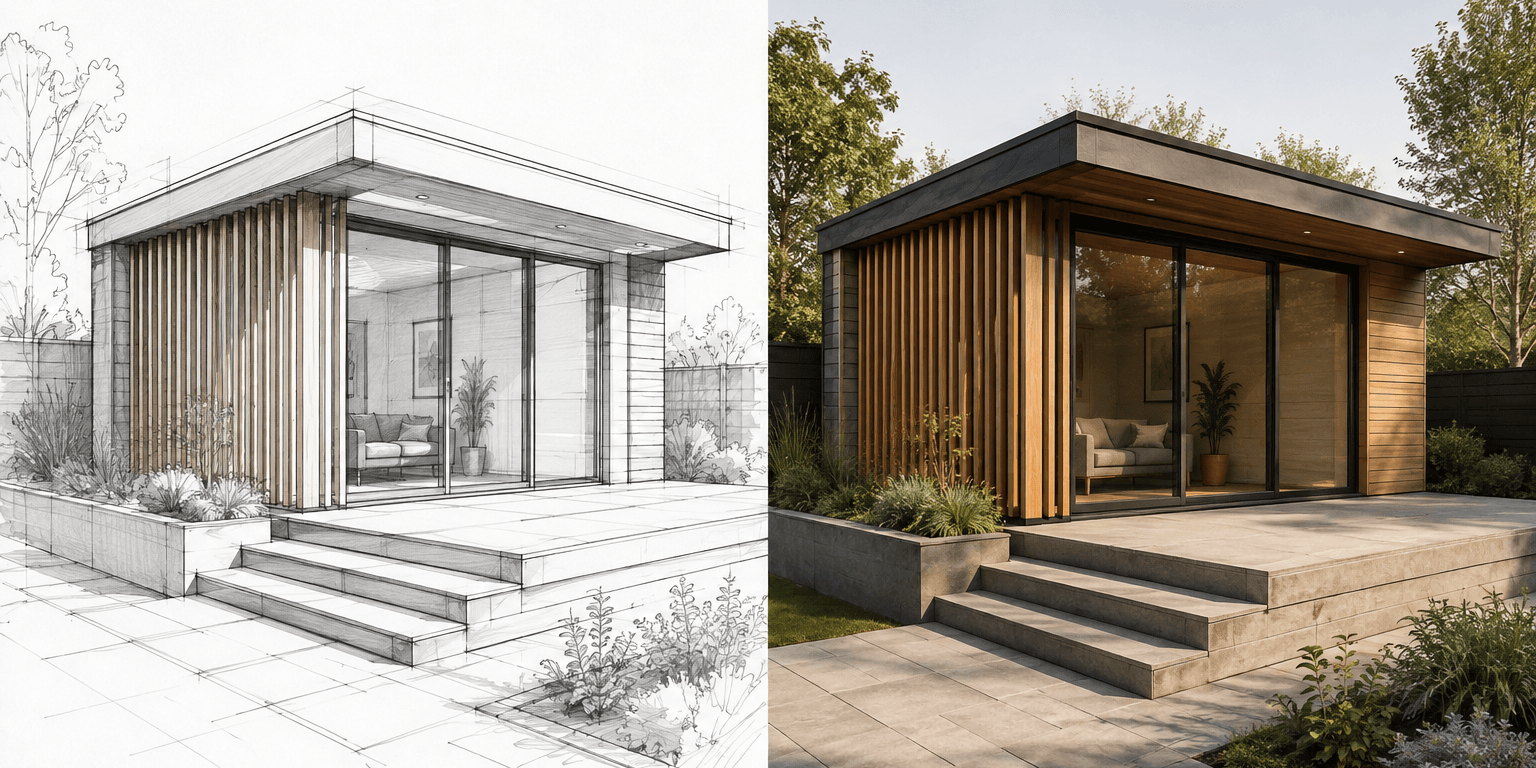
From the outside in
Explore the façade. Understand the layout. Make the next project decision easier to share.
 Exterior design
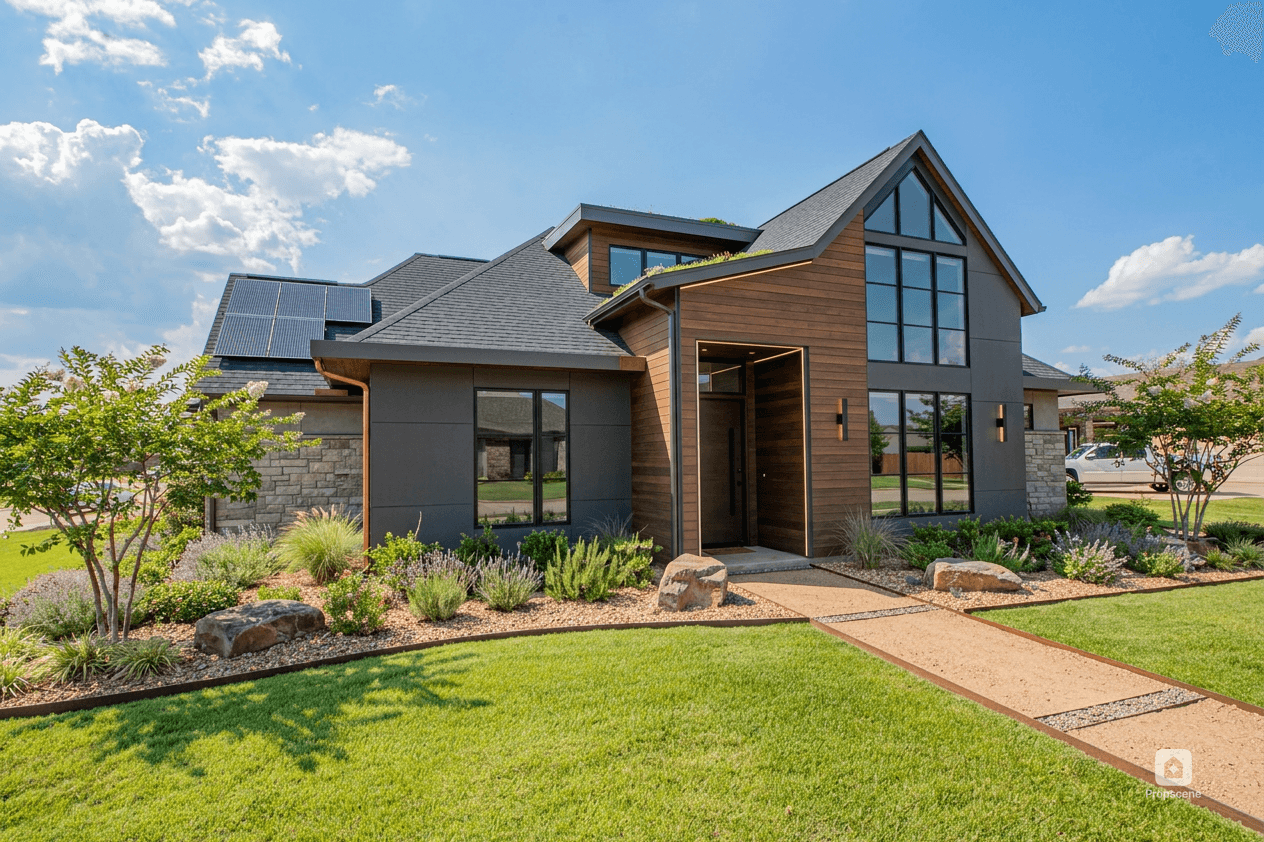
Drag to compare before & after
Compare façade finishes, colour and landscaping from a single property photo.
Explore exterior design Floor plan to 3D
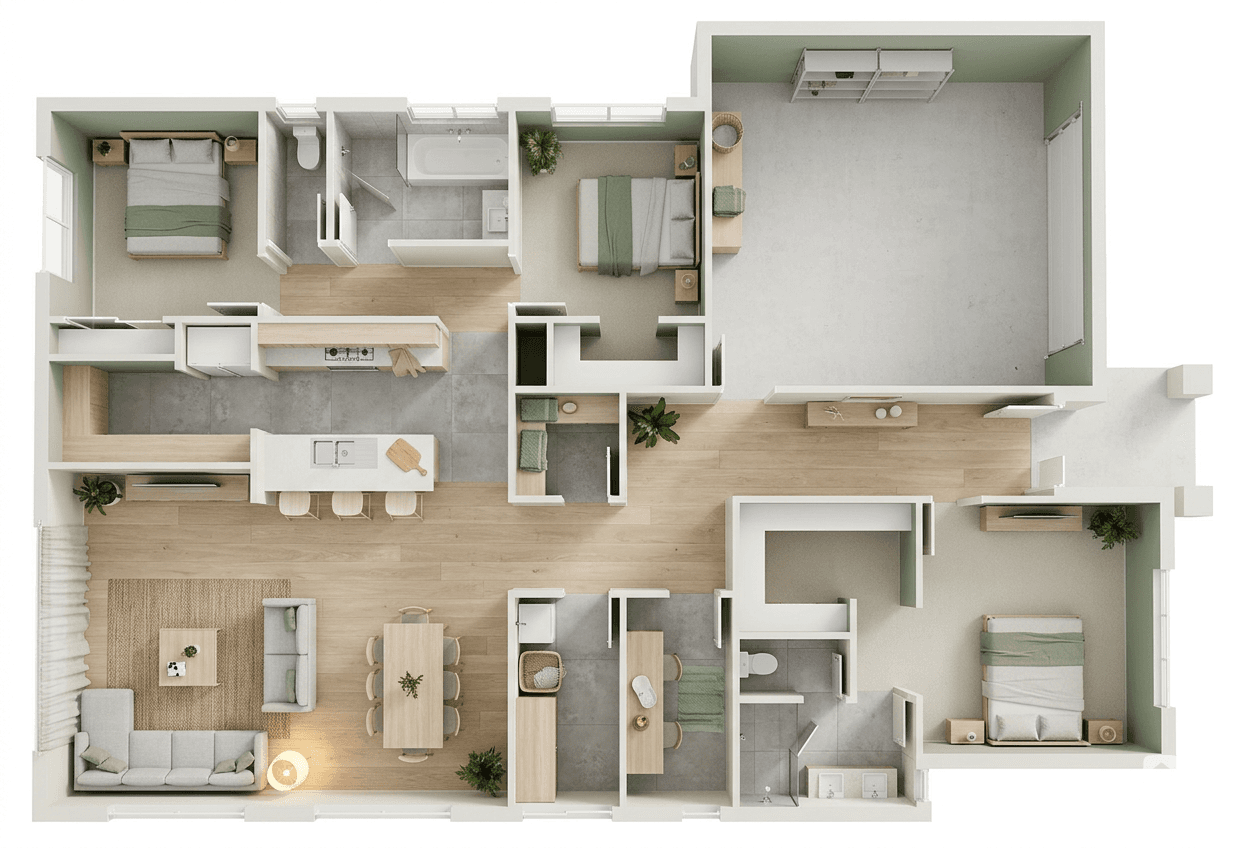
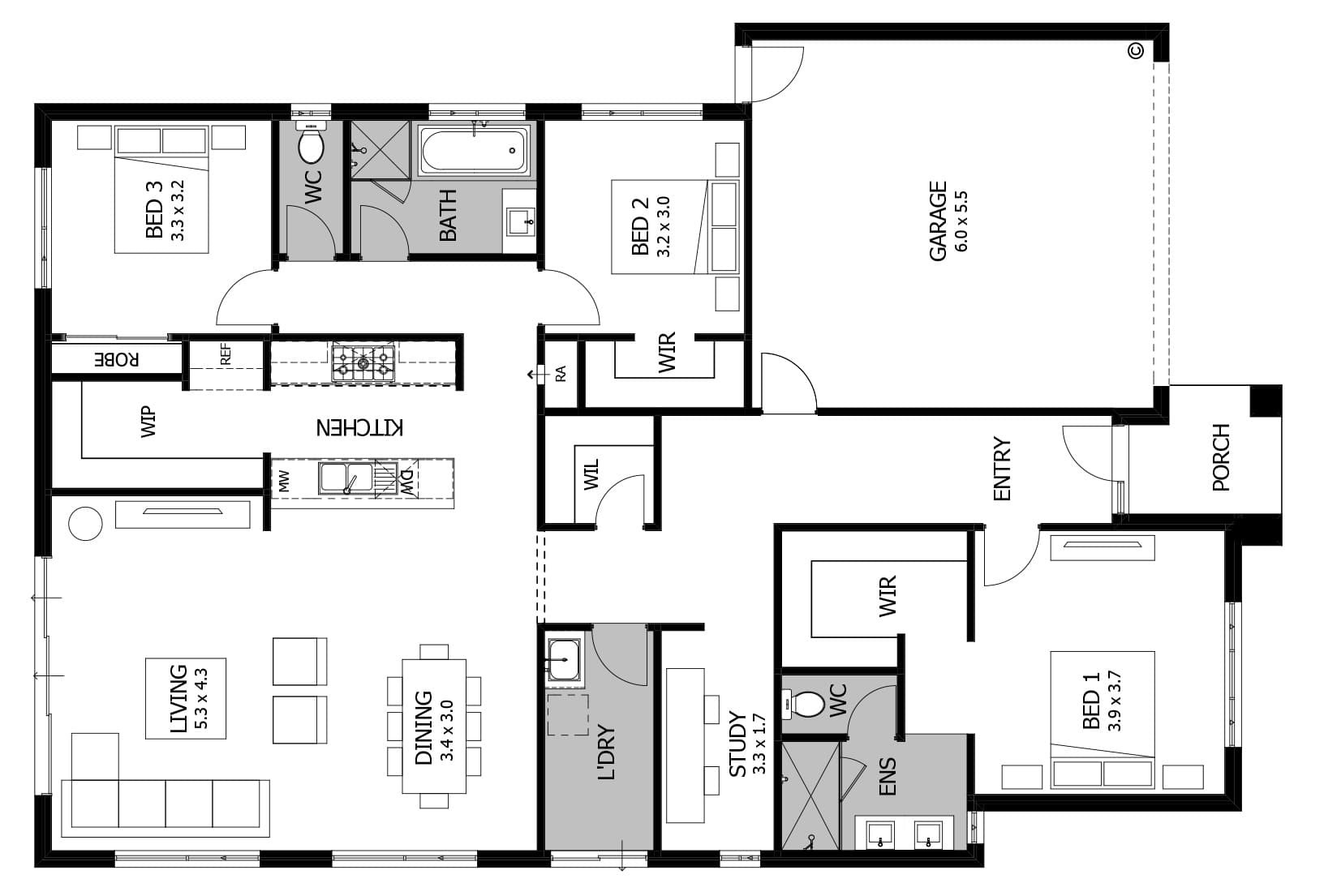
Drag to compare the plan and 3D visualization
Turn a flat drawing into a spatial view that makes rooms and their connections easier to understand.
Explore floor plan visualization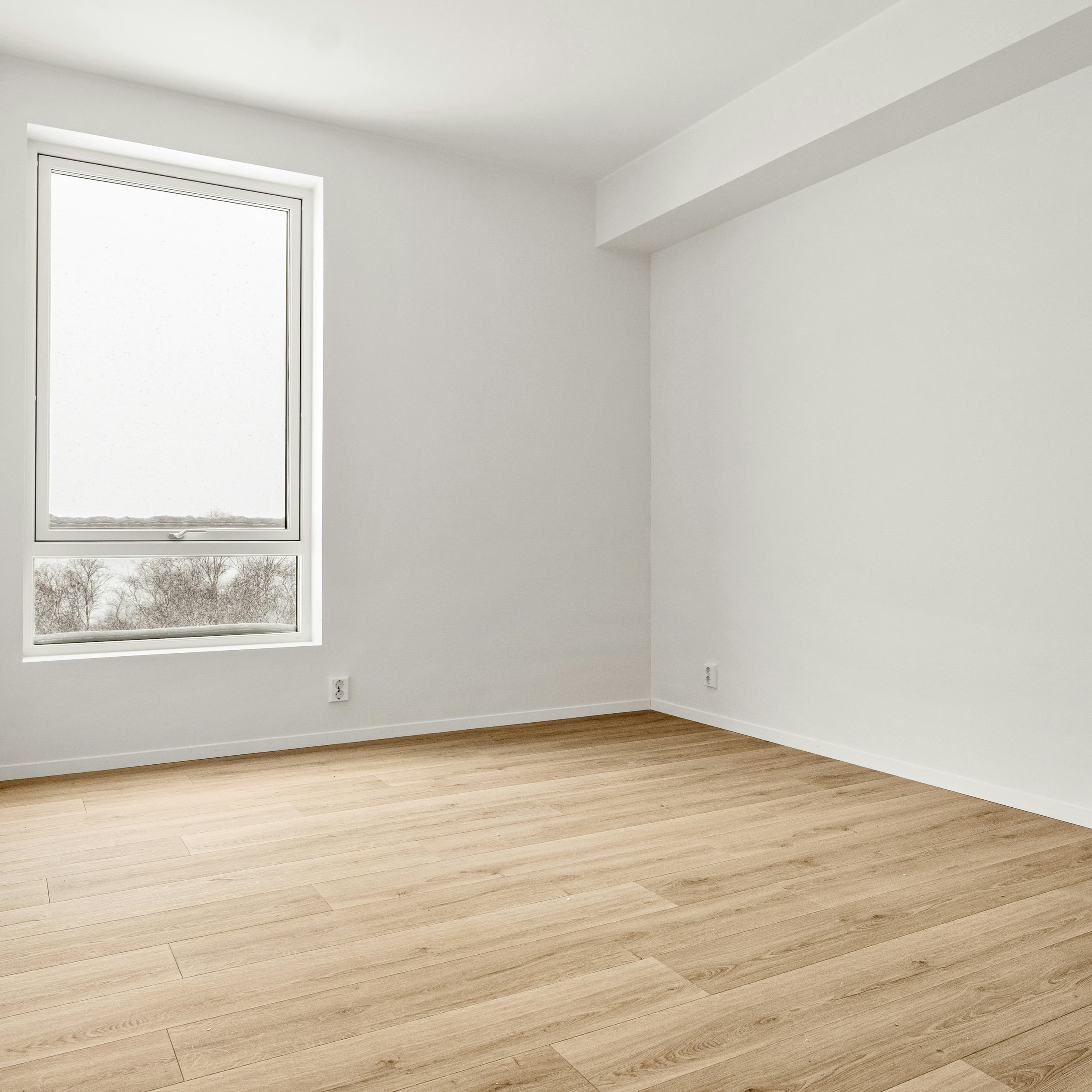
Made for your work
From a room concept to a listing launch, find a workflow that fits your part of the property story.
Stage the rooms. Create the campaign. Give every listing a considered launch.
Take model views and sketches into client presentations.
Show the potential of a project before construction is complete.
Compare materials and room concepts with your clients.
Add staging, redesign and video to your photography services.
Bring property visuals, listing designs and reels into the same creative workflow.
Simple pricing
Two plans, the same creative tools. Starter includes 10 credits for $10/month. Pro includes 50 credits for $30/month. Top up when you need more.
Explore the studio first · An image preview is included. Paid plans unlock downloads.
Full pricing detailsFor your first project or occasional creative work
For regular visualization and marketing work
A few more details
Starting points, credits and what you can create.
Create property visuals and marketing content in one place: virtual staging, interior and exterior designs, architectural renders, 3D floor-plan visuals, AI-designed listing ads and listing reels.
Virtual Staging furnishes listing photos while keeping the existing finishes and architecture. Interior Design helps you explore a different style, palette or design direction. They are separate workflows, so you can choose the right one for your project.
Yes. For listing designs and reels, paste a supported public listing URL or upload your own photos. Review the imported photos and property details before generating. If a listing website blocks importing, you can upload the photos instead.
Yes. Choose your property photos, message, visual direction and format. AI creates the finished artwork. Refine it with another generation when needed, and check the property details and text before publishing.
Choose the property photos, generate clips, change their order and edit the accompanying social caption. Review and assemble the clips into a finished reel before downloading.
Yes. Upload an image export of your model or an architectural sketch. Propviz can turn it into a realistic visualization while preserving the core design and perspective. You do not need to upload the 3D model file.
Yes. Exterior Design lets you explore finishes, materials and landscaping from an existing property photo. Treat changed finishes and landscaping as a design proposal, not a record of the property's current condition.
Yes. Upload a 2D floor plan to create 3D spatial and room visualizations. These are presentation images, not editable CAD models or construction documents.
Yes. Turn an interior, exterior or architectural visualization into a short video. For a multi-photo property walkthrough, use Listing to Reel.
Not yet. Download your finished designs and reels, then publish them through your usual channels. Social Scheduling is coming soon.
Subscribe to Starter or Pro to unlock watermark-free image, ad and video downloads, including existing results. Previous paid purchases still count. Downloading again is free and uses no credits.
Starter includes 10 credits for $10/month. Pro includes 50 credits for $30/month. Active subscribers can top up with 20 credits for $15 or 50 credits for $30. New accounts can try one image preview before subscribing. Each image or ad costs 1 credit, a short video costs 5, and a listing reel costs 10. No model-based pricing.
Use your visuals in listings, social posts, campaigns, websites and client presentations. Only upload photos you have permission to use, check the final output and clearly disclose virtual staging or other AI changes where required.